
Know the whole story before you buy the car.
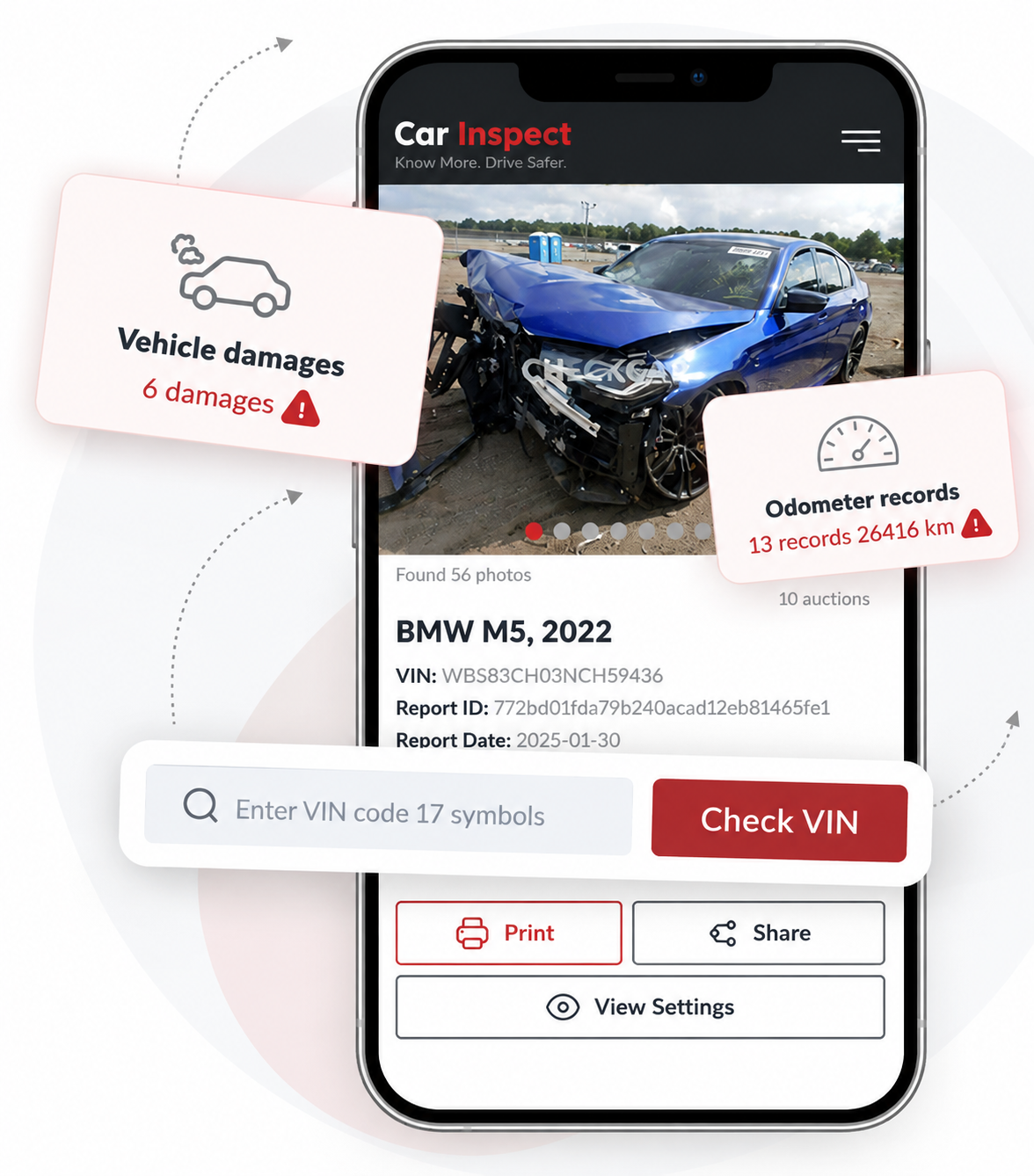
Enter any 17-character VIN and pull accident records, mileage history, ownership changes, and title status from more than 50,000 sources across 35+ countries.
- Accident & damage history
- Registration & title status
- Verified mileage records
- Service & repair records
Three steps to the full picture
Enter your VIN, choose a package, and receive your complete vehicle history report by email.
-
Enter VIN
Type the 17-character code from the dashboard, door frame, or title document.
-
Select your package
Choose the package that best fits your needs and complete your order securely.
-
Unlock Full Report
Once your payment is complete, your vehicle history report will be sent to your email within the specified delivery timeframe.
What's inside every report
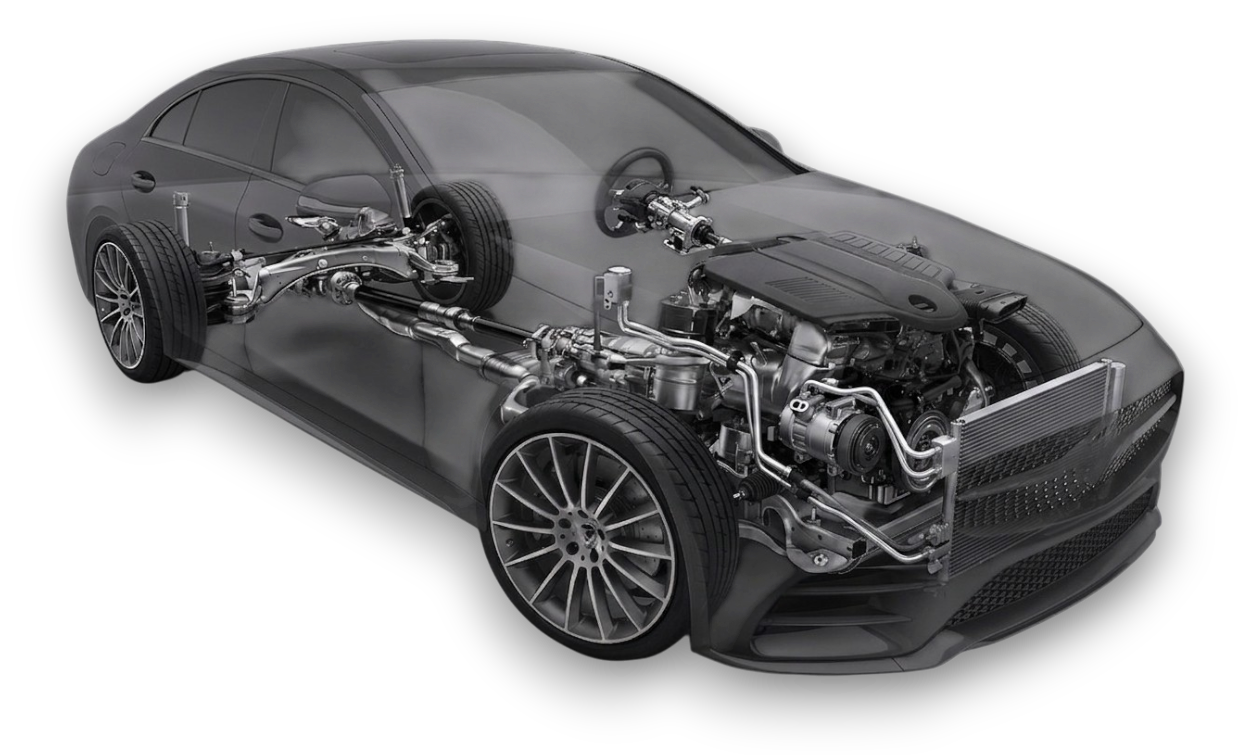
Data pulled from insurers, government registries, auctions, and service networks across the Europe.
- Registration history
- Factory specifications
- Accident involvement
- Title status & branding
- Liens & impound records
- Theft records
- Verified odometer readings
- Recall & error code history
- Service & repair records
- Original sale listing photos
9 km
97 152 km
46 850 kmMileage changed
A VIN check can help you uncover issues such as:
Previous commercial use
Taxi, rental, fleet, or other prior vehicle use.
Total loss history
Declared total loss or insurance write-off records.
VIN errors
Digit or VIN structure errors that need attention.
Manufacturer recalls
Open or recorded recalls linked to the vehicle.
Theft or recovery
History of theft, recovery, or related loss indicators.
Scrapped vehicle
Vehicle marked as scrapped or beyond economical repair.
Structural damage
Accident, frame, flood, or major structural damage.
Odometer rollback
Odometer discrepancies or possible mileage rollback.
Unsafe to drive
Roadworthiness or safety concerns in available records.
Failed inspections
Missing or failed technical inspection records.
AutoClarity, by the numbers





What drivers are saying
Common questions
What is a VIN code?
A Vehicle Identification Number is a unique 17-character code assigned to every car at the factory. It's used to verify a vehicle's origin, specifications, and history.
Where do I find the VIN on my car?
Check the driver-side dashboard through the windshield, the driver door frame sticker, or the vehicle's registration and insurance documents.
When will I receive my report?
After you pay for your selected package, your complete vehicle history report will be prepared and sent to the email address you provide within the stated delivery timeframe.
How fast will I get the full report?
Delivery times vary based on the package you select. We prioritize processing every order. You’ll receive an email notification as soon as your report is ready, and you can access it through your email.
Where does AutoClarity get its data?
We aggregate records from government registries, insurers, auction houses, and authorized service networks across 35+ countries.
Do I need to create an account?
No. You only need to submit the form and provide your email address. After payment, your report will be processed and sent directly to your email within the specified delivery timeframe.
What information can a AutoClarity report reveal?
A AutoClarity report can provide information such as registration history, accident and damage records, title status, theft records, mileage history, service and repair records, recalls, liens, and other available vehicle history details. The information available depends on the vehicle and the records found for its VIN.
Can AutoClarity detect previous accidents or damage?
If accident or damage records are available for the vehicle, they may appear in your report. Depending on the available records, this can include accident involvement, structural damage, insurance-related damage, total-loss records, flood damage, or other reported events.
Can a AutoClarity report show mileage history?
Yes. When mileage records are available, the report can show recorded odometer readings from different points in the vehicle's history. These records can help identify mileage inconsistencies or potential odometer rollback.
Can I check if a vehicle has been stolen?
Available theft and recovery records may be included in the report. If a theft, recovery, or related loss record is found for the vehicle, it may be displayed in the relevant section of your report.
Can I find out if a vehicle was previously used commercially?
Where records are available, the report may indicate previous commercial use such as taxi, rental, fleet, or other business use.
Does the report include vehicle recalls?
Available manufacturer recall information may be included in the report. Recall information can vary depending on the vehicle, manufacturer, market, and available records.
Can the report show service and repair history?
If service or repair records are available from participating networks or other data sources, they may be included in the report. The amount of service history available can vary between vehicles.
Can I check whether a vehicle has a clean title?
The report can provide available title status and title branding information. Where records are available, it may also identify indicators such as salvage, total loss, or other title-related events.
Will every vehicle have the same information in its report?
No. The information available depends on the vehicle, its history, country of registration, and the records available in the databases searched. Some reports may contain more historical information than others.
Does a clean report guarantee that a vehicle has never been damaged?
No. A vehicle history report can only show records that are available in the sources searched. Events that were never reported or recorded may not appear in the report. For this reason, we recommend combining a history report with a physical inspection and professional mechanical assessment.